









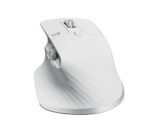







Logitech MX Master 3S for Mac with Free Adobe Subscription – Wireless Bluetooth Mouse with Ultra-Fast Scrolling, Ergo, 8K DPI, Quiet Clicks, Track on Glass, Customization, USB-C – Pale Grey
Original price was: ₹12,495.00.₹7,999.00Current price is: ₹7,999.00.
Price: ₹12,495 - ₹7,999.00
(as of Mar 19, 2026 16:15:36 UTC – Details)
From the manufacturer
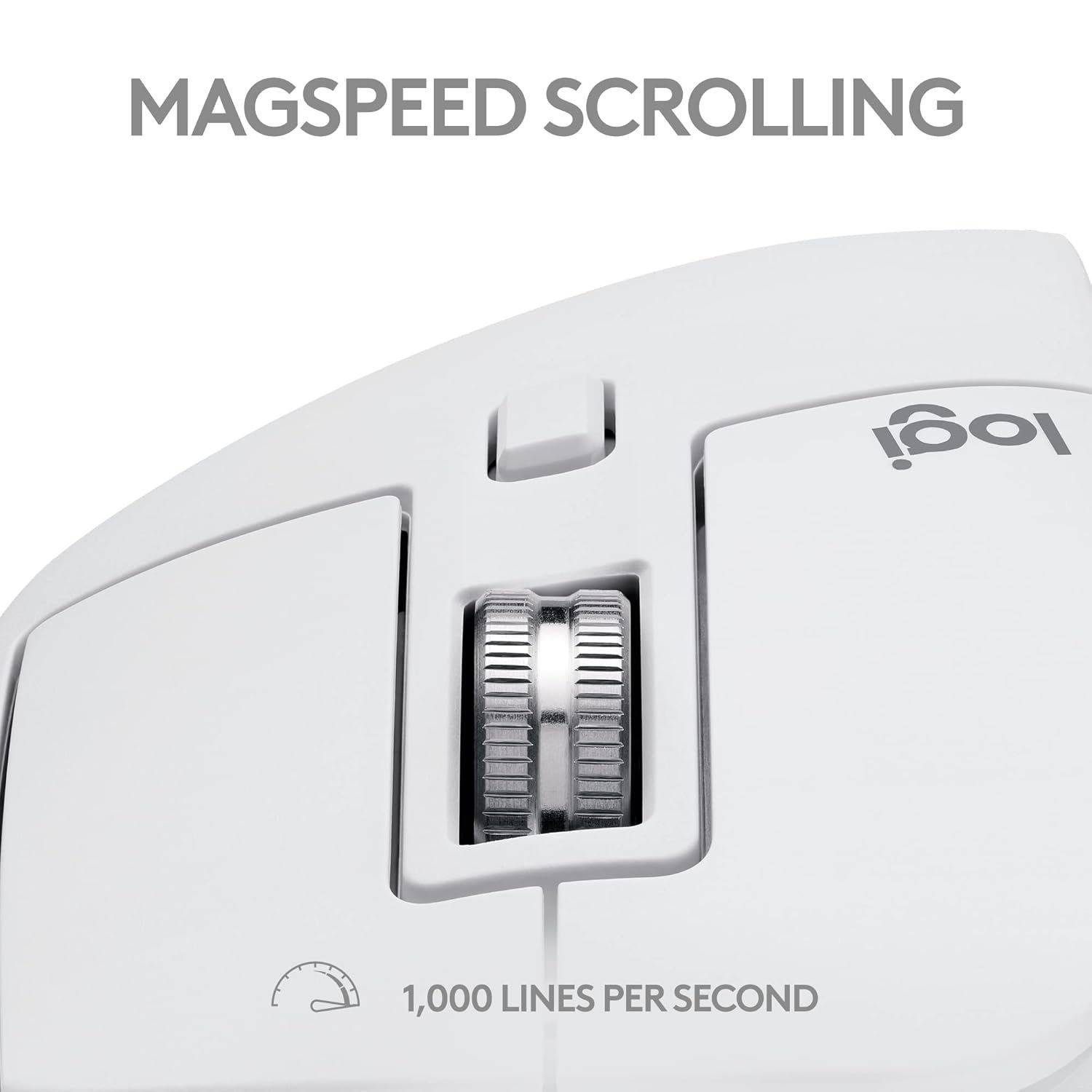
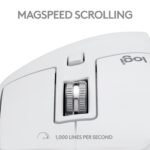
MAGSPEED SCROLLING
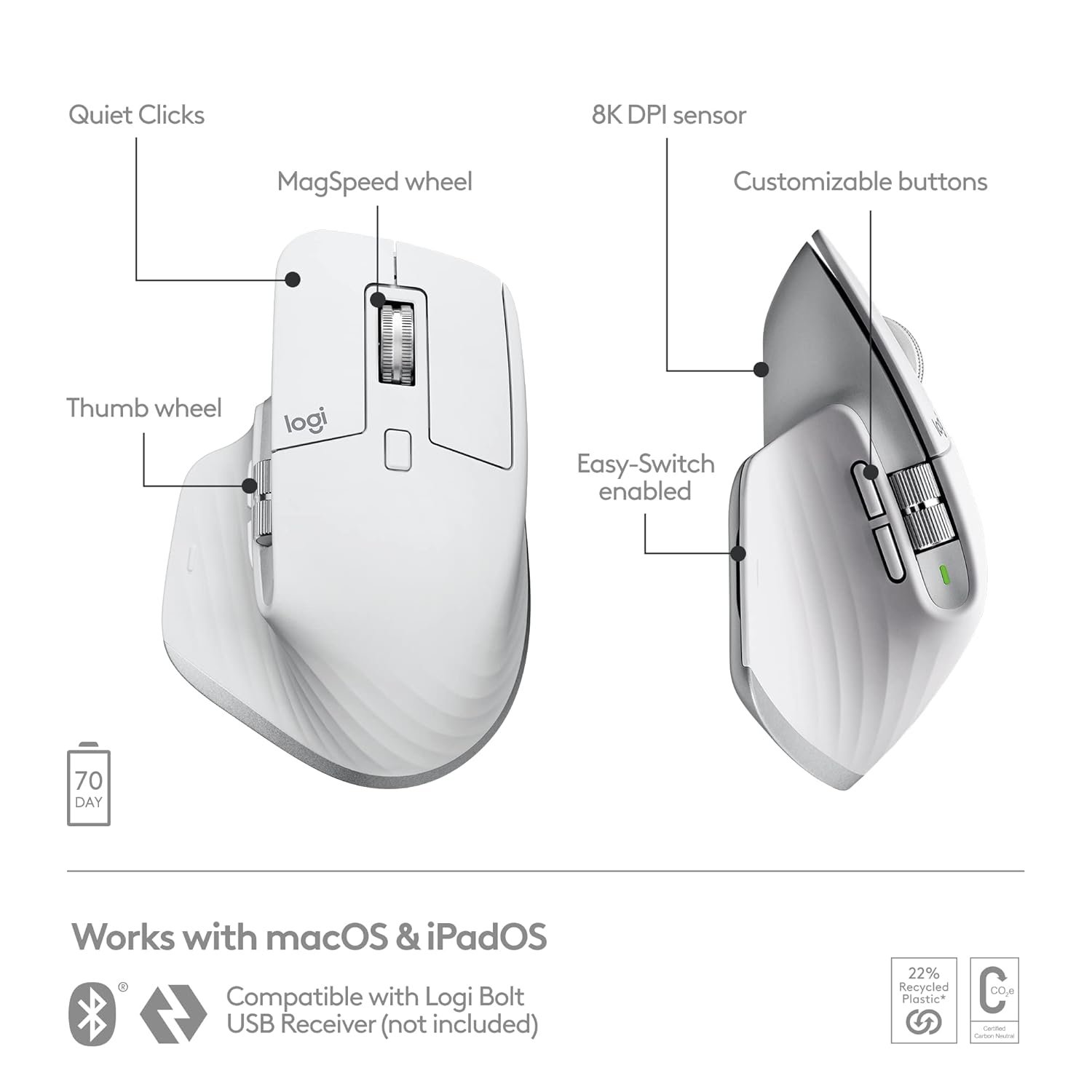
Ultimate speed and precision. Scroll 1,000 lines per second and stop on a pixel.
QUIET CLICKS – 90% LESS NOISE
Quiet Clicks deliver the satisfying feel you love with 90% less click noise (3).
SCULPTED FOR YOUR HAND
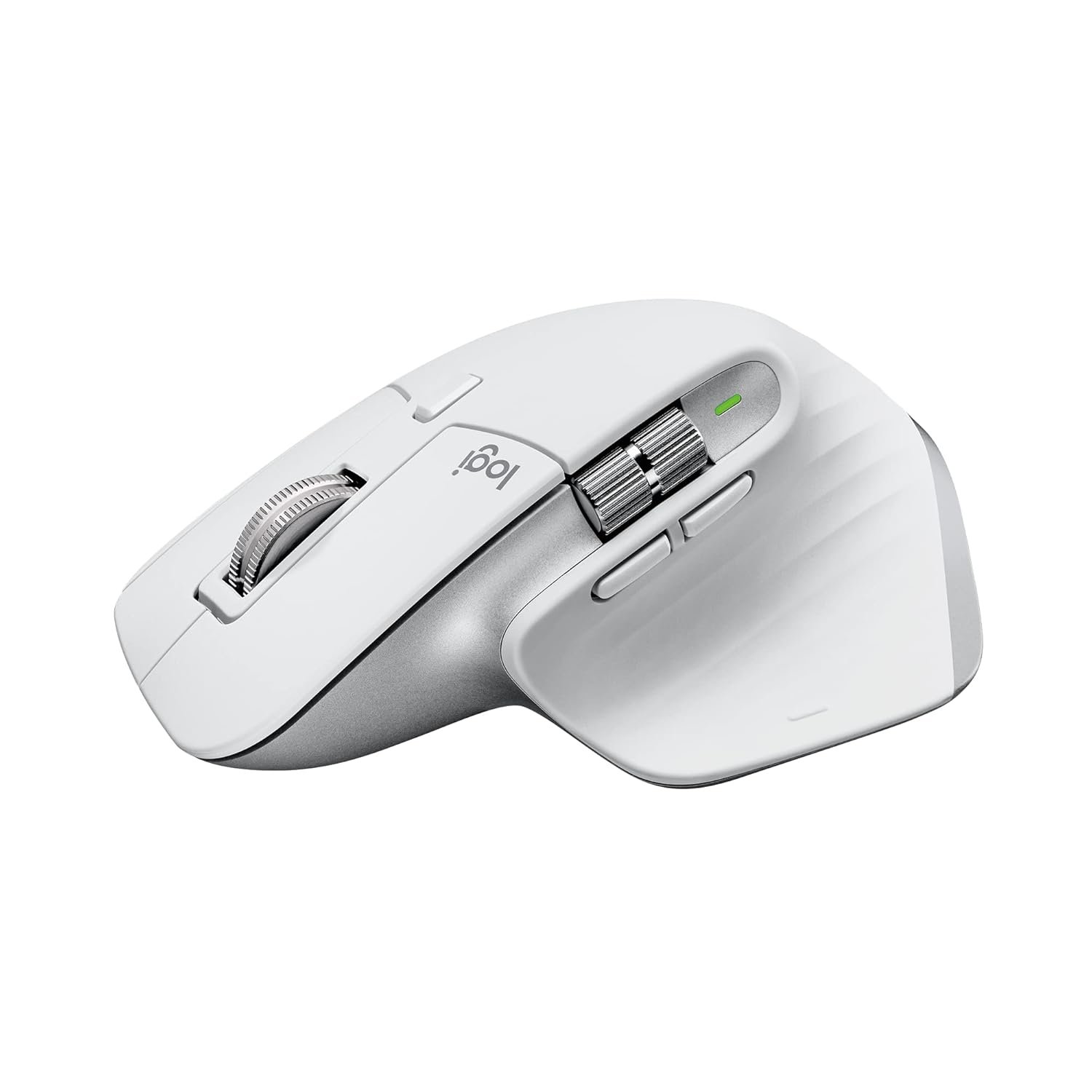
Work comfortably with an ergonomic silhouette crafted to support your palm and fingers.
MULTIPLE COMPUTERS, ONE FLOW
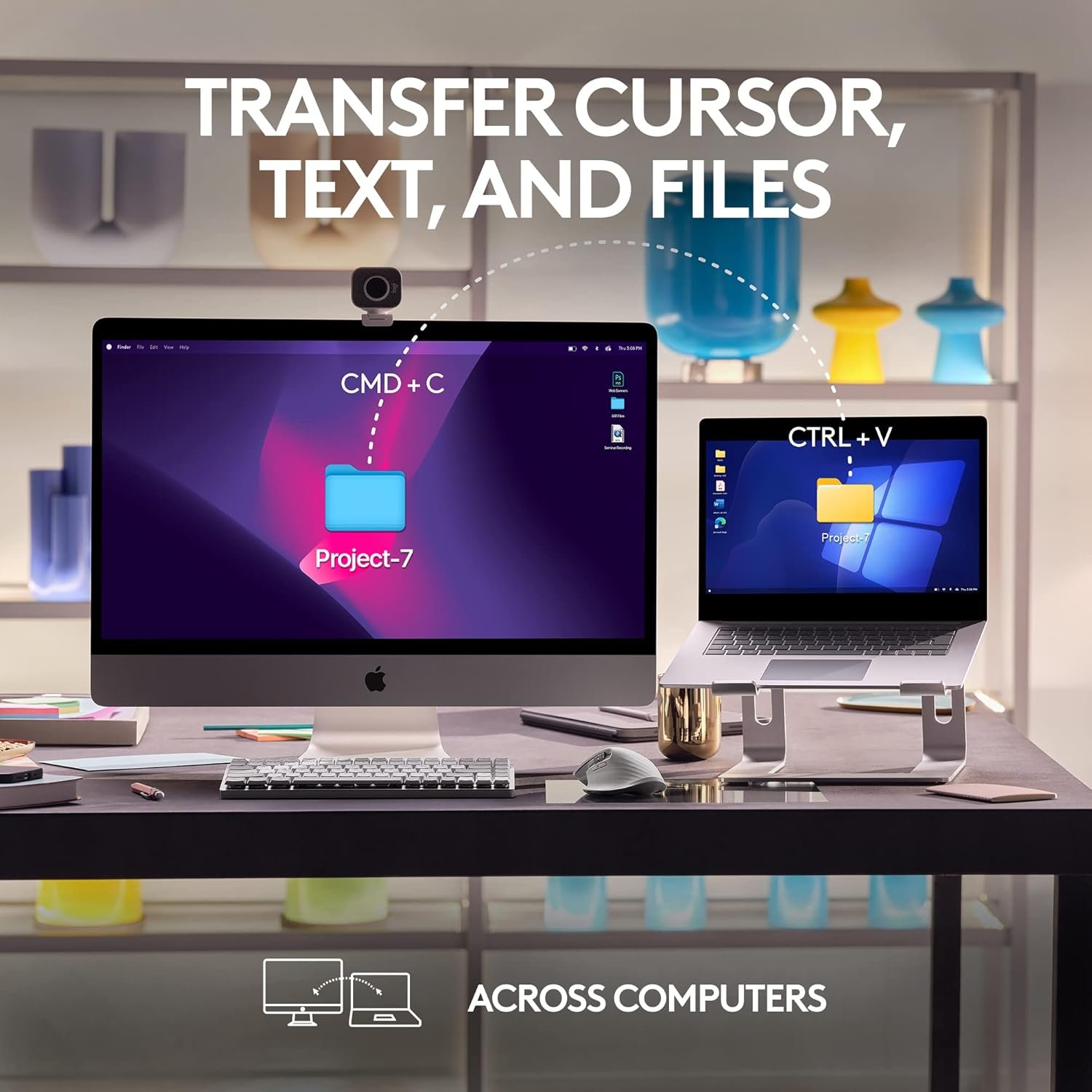
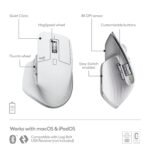
Easily connect and switch between up to 3 Mac computers or laptops with Bluetooth Low Energy, and effortlessly transfer text, images, and files between them (6).
QUICK CHARGING , LONG LASTING
USB-C quick charge in 1 min for 3 hrs of use – full charge lasts up to 70 days(7).
COUNTLESS CUSTOMISATIONS
Customise buttons and optimise workflows with app-specific profiles in Logi Options+ (6).
FEEL THE PERFORMANCE. OPTIMISED FOR MAC
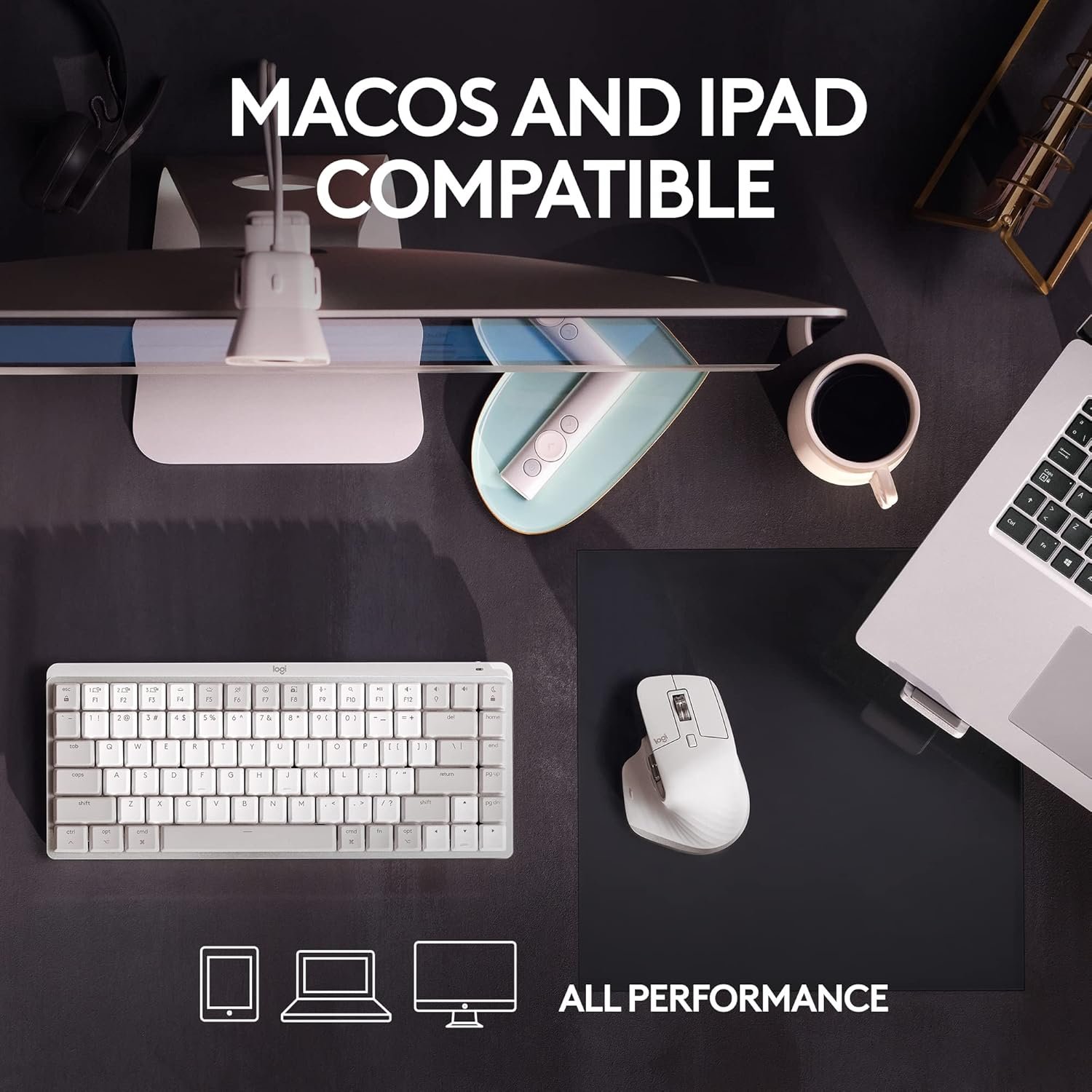
Works with macOS and iPadOS(1) – now with 8K DPI track-on-glass(2) sensor and Quiet Clicks.
MX + CREATIVE CLOUD
Get a complimentary 1-month Adobe Creative Cloud subscription with your purchase of MX Master 3S for Mac. Available for UK only.
MADE WITH RECYCLED PLASTIC
The plastic parts in MX Master 3S include certified post consumer recycled plastic —27% for Black and Graphite and 22% for Pale Gray(10) — to give a second life to end-of-life plastic from old consumer electronics and help reduce our carbon footprint.
RESPONSIBLE PACKAGING
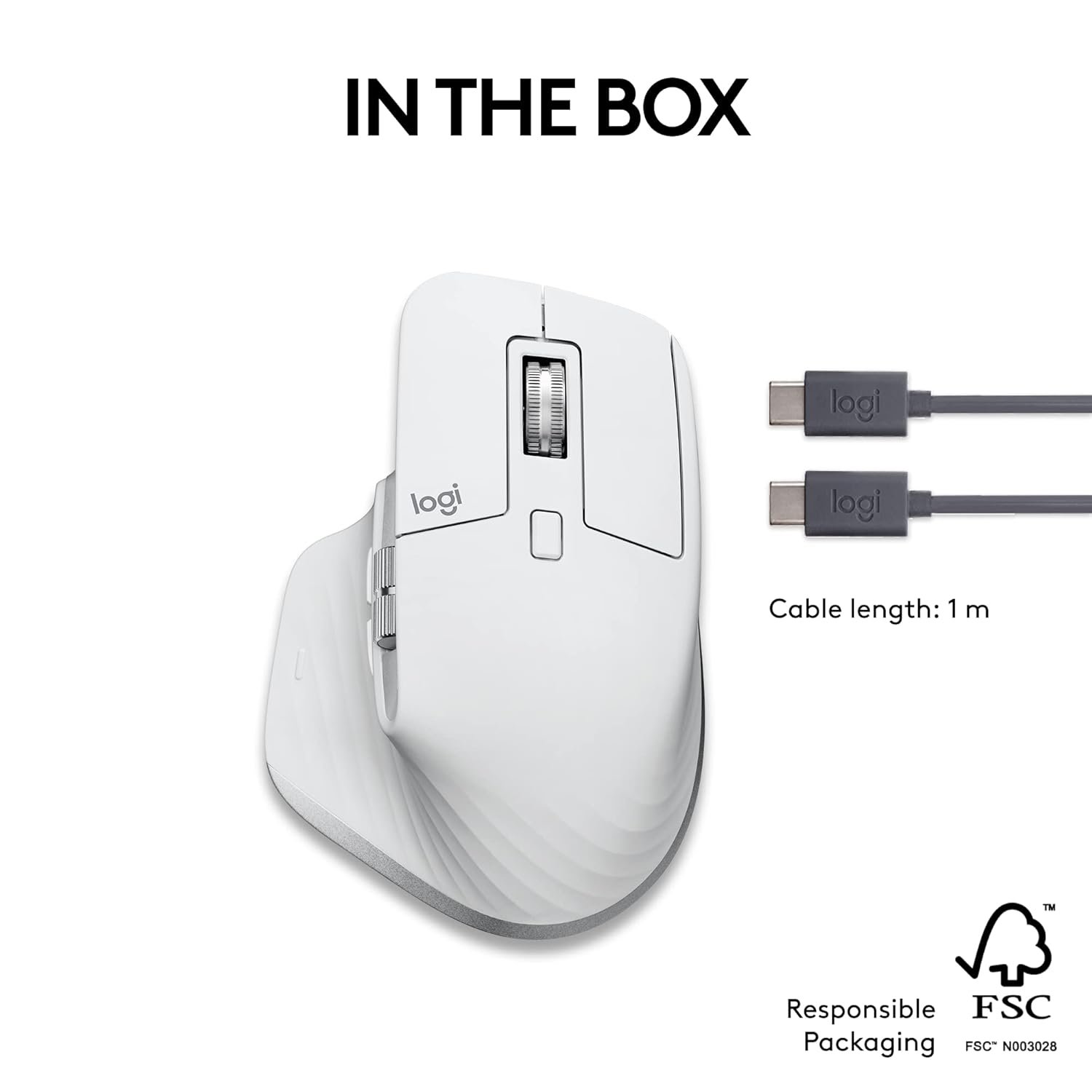
The paper packaging of the MX Master 3S comes from FSC-certified forests and other controlled sources. By choosing this product, you are supporting responsible management of the world’s forests.
CARBON NEUTRAL
Rest easy knowing that the carbon footprint of your MX Master 3S has been reduced to zero. That’s because beyond designing for sustainability, we also offset our residual impact by supporting forestry, renewables, and climate-impacted communities that reduce carbon.
Mastered for Mac: MX Master 3S for Mac performance mouse is optimized for macOS, and compatible with iPadOS (1).
Feel the performance: MX Master 3S Bluetooth mouse features an 8K DPI track-on-glass sensor(2) and Quiet Clicks – offering 90% less click noise (3).
Magspeed scrolling: A computer mouse with remarkable speed, precision, and near silence – MagSpeed scrolling is 90% faster (3), 87% more precise (4), and ultra quiet.
Ergonomic design: Work comfortably with a precision mouse featuring a silhouette crafted for more natural wrist posture and optimally placed thumb controls.
1-month of Adobe Creative Cloud on us: Pair two of the world’s top creative tools. Buy one MX product and claim your free 1-month Adobe Creative Cloud membership














Ihsana –
Exceeded My expectations significantly
I recently got my hands on the Logitech MX Master 3s, and as a dedicated Mac user, I can confidently say that this mouse is a game-changer. In fact, it’s not just a mouse; it’s a masterpiece of engineering and design that has elevated my computing experience to a whole new level.From the moment I unboxed the MX Master 3s, I could tell that this was a premium product. The sleek, ergonomic design fits perfectly in my hand, providing unparalleled comfort even during long hours of work. The mouse’s matte finish not only feels great but also complements the aesthetics of my Mac setup beautifully.One of the standout features of this mouse is the customizable buttons. With its innovative side-scrolling wheel and gesture button, I can easily switch between apps, navigate web pages, and execute various tasks effortlessly. It’s like having a command center right at my fingertips, making multitasking a breeze. Plus, the horizontal scrolling wheel is a dream come true for Mac users, offering a seamless and intuitive way to navigate through documents and timelines.The precision of the MX Master 3s is nothing short of remarkable. The Darkfield sensor tracks flawlessly on any surface, including glass, which is a huge plus for me. It’s incredibly responsive and accurate, and I can adjust the sensitivity on the fly to suit my needs, whether I’m working on detailed design projects or simply browsing the web.Logitech’s attention to detail extends to the battery life as well. With a single charge, I can go weeks without worrying about running out of power. And when it does need a recharge, the USB-C port ensures a quick and convenient replenishment.As a Mac user, the MX Master 3s seamlessly integrates with macOS. Logitech’s software allows for effortless customization of button functions and gestures, and I love how it recognizes the applications I use most frequently and suggests optimized settings. It’s a small touch that enhances the user experience.In conclusion, the Logitech MX Master 3s is hands down the best engineered mouse ever for Mac users. It combines ergonomic excellence, customizable features, and precision tracking to create a productivity powerhouse. Whether you’re a creative professional or a multitasking enthusiast, this mouse will revolutionize the way you interact with your Mac. It’s an investment that pays off in spades, and I can’t recommend it enough. Say goodbye to your old mouse and say hello to a new era of productivity and comfort!
Sankalp –
Great Mouse. Insane battery life.
After 1 year of using this mouse, I’ll say it has EXCELLENT battery life (I recharge it once in months, despite daily use — monday to friday). The white colour of the mouse exterior has faded in places, and the item shows signs of age, but functionally it is doing great. No complaints. I carry it around in a hardshell case (hermitshell) in my laptop bag, JFYI.Another thing I’d like to add (and this may be specific to me) is that I’ve not managed to get in the habit of using the roller or the buttons available in the thumb area. Despite initially setting up custom actions e.g. close tab, refresh etc for the buttons and horizontal scroll for the roller.—Disclaimer: This is a review written after just a few hours of use on day 1 (might update it later)Seems like a nice mouse, laden with features. I have no issues with bluetooth connectivity — it works great (this is on a Macbook Pro M1 14″)The customizability of the various buttons / rollers etc. on the mouse is wonderful. For instance the horizontal roller can be used to scroll between tabs in a window, which is super handy for me because I have a lot of tabs in most of my windows.I think I’m going to love this purchase.Note: There’s no hard case in the package, only mouse + usb-c to usb-c cable. If you want to carry this around safely in your laptop bag, recommend getting a hard case separately.Note 2: This is a soft click mouse. Its left and right click are both soft and do not have much tactile feedback. They are also very quiet. If you want the regular kind of experience, you should buy the model without “S” (for Silent) in its name.Note 3: This mouse is moderately heavy. If you want a very light mouse, this is not a good choice.
Vijay –
Very good.
Using daily for about 3 months with a MacBook Air for work.This is a very good mouse – responsive, versatile, and ergonomic. I had to charge it 2 times.I didn’t give 5 stars only because it picked up stains. This is probably because I got the white one instead of grey and because the rubber covering on the sides feels good but can’t be wiped clean like plastic. So I put a skin on it and now it looks good.Bottom line – great mouse. Go for it. I recommend the grey colour or get a skin for it.
Alfi –
Accurate
Best for pr editing , best than apple mouse as it’s accuracy is better than apple mouse. If you are finding any Gaming mouse you can go for this but it don’t have rgb lights.. it has decent weight comfort is next level mainly keys are noise less . So basically you can use it for gaming and editing
Nate M –
The Logitech MX Master 3S for Mac is a well-crafted and highly ergonomic mouse, making it an excellent choice for users who spend long hours working or studying. Its sculpted design provides superior comfort, reducing hand strain over extended use.One of its standout features is its seamless connectivity with macOS. It pairs effortlessly and maintains a strong, reliable connection, ensuring a smooth user experience. Responsiveness is another strong suit, with precise tracking that makes navigation effortless, whether working on detailed tasks or general browsing.The productivity-enhancing features truly set it apart. The side buttons, customizable gestures, and the signature MagSpeed scroll wheel allow for fluid, high-speed scrolling that enhances efficiency. However, due to a macOS quirk, switching between the trackpad and the MX Master 3S requires manually adjusting the scrolling direction—a minor inconvenience that stems from macOS settings rather than the mouse itself.Overall, the MX Master 3S for Mac is an outstanding productivity tool, especially for those who need precision and comfort. Its well-thought-out features make studying and working more efficient, and while macOS requires a small settings adjustment when alternating with a trackpad, it doesn’t take away from the excellent user experience.
Jeremy –
Nice comfortable mouse, can be set up with different settings for different applications. You can program what the buttons and scroll wheels do and have them do different things depending on what software you’re using. Very good mouse with good battery life after charging. It might be a higher priced mouse but having it customised differently for various programs ts a great feature. No need to load or change settings it does that automatically once set up. I have it set up one way for web browsers and then if Im using Abelton live I have it set up differently again.A must have if you want to customise the mouse buttons and wheels differently for different programs, Im not using it for gaming but I assume you could set it up differently for different games and have it automatically change without having to go into setting all the time.
M.C –
No longer do I get a sore wrist from using my computer for long hours, as I do a lot of work in Revit and SketchUp, I’m constantly using my mouse. This is the most comfortable one I’ve been able to find, and an added bonus is that it’s wireless with a very long battery life.if i was to have one small criticism it would be that the palm of your hand will stain the soft rubber like texture of the mouse over time but that’s really a non issue when it comes to usability.
Darrel Forrest –
This mouse has done wonders for the pain in my wrist and on the odd occasion I have needed technical support it has been excellent, and different in a good way. It is more like people helping rather than the mechanical processes that seem to be more prevalent now. I
William –
Can’t go wrong with this mouse. I would go so far as to say, it’s better than the MX4 😎